Customization & Order Preparation
How to Prepare Your Logo for Custom Products
Send the right files, confirm the details and approve your artwork with confidence.
Quick answer
Vector artwork is preferred. If you only have an image, send it for review before paying for artwork conversion.
In this guide
Start with your best available file
| File | Best starting point | Check | Next step |
|---|---|---|---|
| AI, EPS, SVG | Editable vector artwork | Fonts and linked images | Send for review |
| Vector PDF | Vector artwork | A PDF can contain a raster image | Verify the content |
| PNG, JPG | Image-based artwork | Clarity at the final print size | Assess the printing method |
| Screenshot or web image | Reference material | Blur, jagged edges or missing detail | Request the original file where possible |
Swipe to see all columns
The extension alone does not prove a file is vector. We inspect the content first. Clear raster images may be assessed for suitable full-color methods, including selected direct digital printing and sublimation projects; suitability depends on the artwork and final print size.
Check fonts and linked images
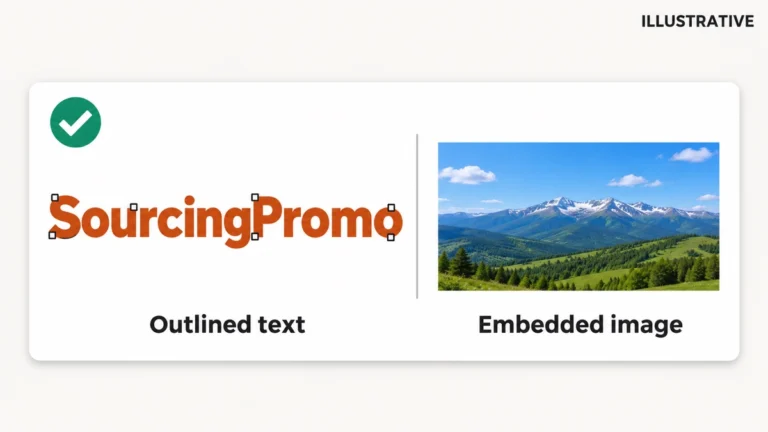
Ready for review
- Convert text to outlines to preserve its appearance.
- Embed linked images and confirm that all artwork is present.
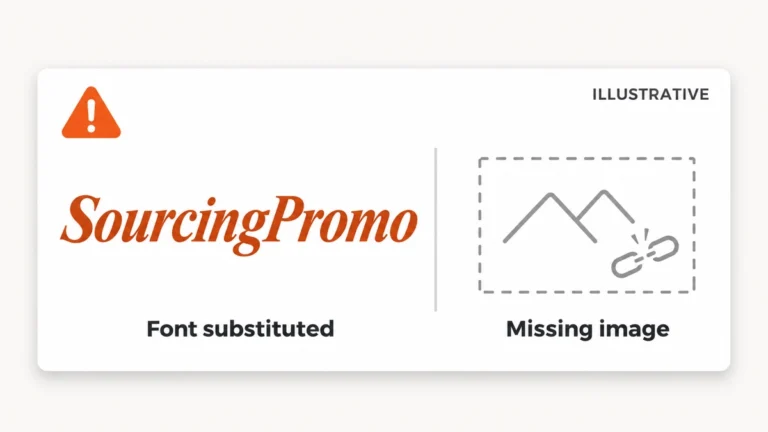
Needs attention
- Missing fonts can change lettering when a file opens.
- Missing linked assets can leave parts of the design unavailable.
We will not replace fonts, images or lettering styles without your permission. If a file is incomplete, we first ask for a new export with outlined text and embedded assets.
Tell us how the logo will be used
Product & color
Identify the product and its selected color.
Print position
Show the intended face or location; a marked photo can help.
Width & height
Provide dimensions if known, or ask us to recommend a suitable size.
Color reference
Provide a Pantone reference, physical color sample or agreed visual reference.
Decoration method
Tell us your preferred method, or ask us to assess suitable options.
Final file version
Identify the approved logo design and remove superseded versions from the submission.
Using one logo on several products? Confirm size and placement for each. We recommend layouts against the product shape, available print area and process requirements.
Prepare your color references
- Spot colors: We prefer Pantone Solid Coated references. If none is available, send a physical brand sample or an agreed reference image for review.
- Full-color artwork: CMYK files are preferred in our workflow. RGB files can be reviewed, with potential color differences discussed before production.
- Strict brand colors: Screen proofs confirm layout and placement. Confirm target colors with physical references and assess the actual result on the decorated product sample.
Choose the right artwork support
| Service | Cost approach | Approval |
|---|---|---|
| Simple auto-trace | Free initial draft for a simple, clear, high-contrast logo | Review the draft; production accuracy is not assumed |
| Similar-font substitution | Free only with your permission | Confirm the clearly identified substitution; it is not an exact match |
| Manual redrawing | Quoted separately before work begins | Accept the fee first, then approve the rebuilt artwork and proof |
Swipe to see all columns
Blurred images, small lettering, complex colors or strict brand-matching requirements may need paid manual redrawing. Artwork-service fees are separate from printing setup, embroidery digitizing and product sampling charges.
Two separate approvals
For paid redrawing, approve the fee before work begins. Separately approve the final artwork and art proof before production. Fee approval does not authorize production.
Review your art proof before production
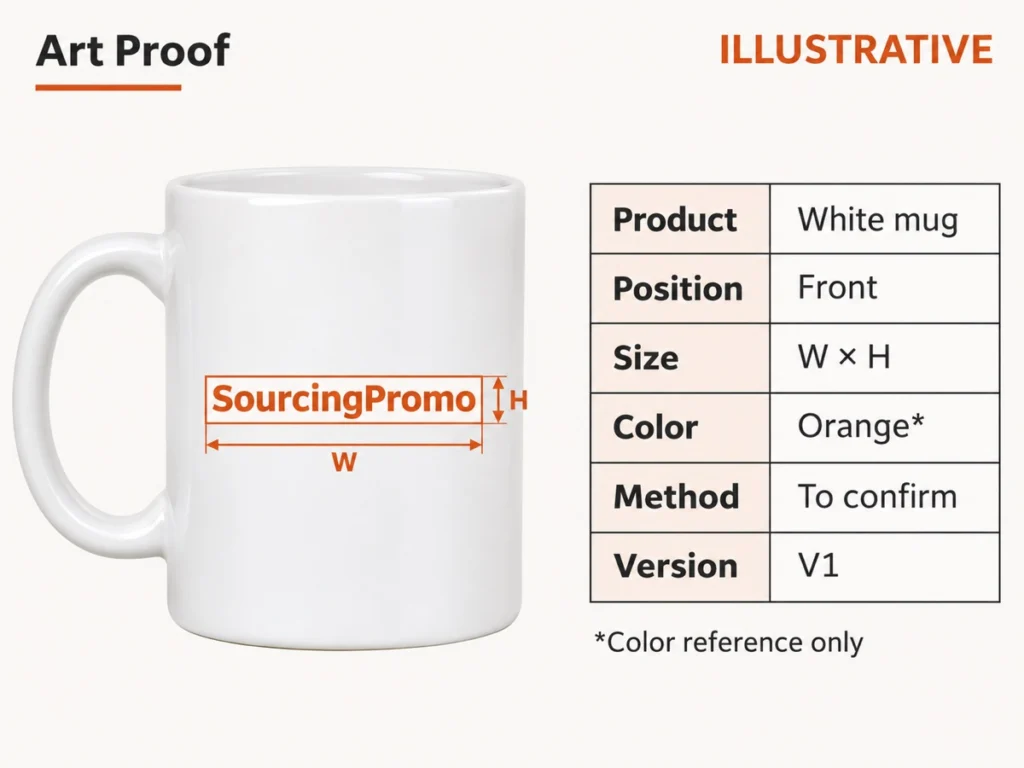
- Product style and color
- Logo placement
- Logo width and height
- Print color reference or notes
- Decoration method
- Artwork version
Reply “Approved” by email or order message, identifying the product and proof version. We retain your written confirmation; no signature is required.
- Review files
- Approve artwork fees, if needed
- Check the art proof
- Approve the version
Before you send
- Best available artwork
- Outlined fonts and embedded assets
- Product, placement and size details
- Color references and the final file version
What if I only have a screenshot?
Send it for review and tell us the product and intended print size. We will assess whether a better original file, a simple trace or paid redrawing is needed. A screenshot is not automatically production-ready.
Can a screen proof confirm the final color?
No. A screen proof is used to check layout, placement and the stated color references. For strict color requirements, use physical references and confirm the result on a sample of the actual decorated product.
What if I change the logo after approval?
We issue a revised art proof for approval and reassess artwork costs, sampling charges and the production schedule. Some changes may add cost or extend the lead time.
Please ensure you have permission to use the logos, fonts and images you submit. Redrawing or substituting a font does not itself provide usage rights to those materials.
Ready to send your artwork?
Email your logo files and product requirements. For large files, include a download link.