Customization & Order Preparation
Preparing Logos, Names and Quantities for Sports Events
Keep team versions, sponsor artwork and personalized items organized with a clear quantity matrix and approval record.
Quick answer
Sports merchandise becomes harder to manage when the same product carries several team logos, sponsor versions, names or sizes. A configuration list makes those differences explicit before quoting and production.
What this covers
How to keep several team, sponsor and award versions straight: one configuration matrix, artwork rights and versions, names and numbers, reconciled quantities, and what to approve in the hand.
Sports merchandise becomes harder to manage when the same product carries several team logos, sponsor versions, names or sizes. A configuration list makes those differences explicit before quoting and production.
Use one line for each combination that needs a distinct instruction. Do not rely on a folder of artwork files to explain which version belongs on which product.
1. Create a configuration matrix
A useful matrix connects the product, artwork and quantity in the same row.
| Column | What to record |
|---|---|
| Product reference | SKU, selected product or sourcing reference |
| Version reference | A stable label for the team, sponsor or award version |
| Product specification | Color, size and any other required variation |
| Decoration | Artwork file, location and requested dimensions |
| Quantity | Units required for this exact combination |
| Approval status | Open question, under review or approved |
Keep the labels stable throughout the project. If a file changes, record a new version rather than silently replacing the old artwork while keeping the same approval.
2. Check the artwork rights and version
Provide the approved artwork that you are authorized to use. Identify any rules supplied by the brand or organizer, such as clear space, color references or permitted versions.
Sourcing an item does not make it an officially licensed product. Do not add an event, league or team claim unless it is supported by the actual authorization and project scope.
3. Prepare names and numbers carefully
Supply individual names and numbers in a structured list. Check spelling, leading zeros, capitalization and special characters. Review the longest entries and any exceptions that may affect the layout.
If personalization is still undecided, ask whether the selected product and process can support it. A standard logo price does not automatically include variable names or numbers.
4. Reconcile the quantities
Add the quantities for all versions and compare the result with the project total. For apparel, check both the version totals and size totals. For medals or awards, confirm the quantity for each message or category.
Record any approved spare items separately, including whether they should be blank, commonly branded or personalized.
5. Approve the physical result where needed
Different materials and surfaces can produce different decoration results. A logo that works on fabric may need another approach on metal or molded plastic.
Use digital layouts to approve content and placement. When a physical sample is required, state the details being checked, such as dimensions, color reference, attachment or decoration result. Any later change should trigger a review of cost and timing.
Handover checklist
Before production, provide one current matrix, the matching artwork files, approved personalization data and the agreed packing groups. Withdraw superseded instructions so they cannot be mistaken for current requirements.
Frequently asked questions
Can several teams be included in one inquiry? Yes. Separate each version and quantity so the scope can be reviewed accurately.
Will a repeat order always use the same setup fee? Setup requirements depend on the product, process and changes to the artwork or dimensions. They are reviewed for the repeat order.
Products this guide points at
Canvas Tote Bag 12oz
SKU BG-1201
- MOQ
- 100 units
- Production
- 20–30 business days
US$3.84 / unit
at 2,500 pcs · Shipping not included
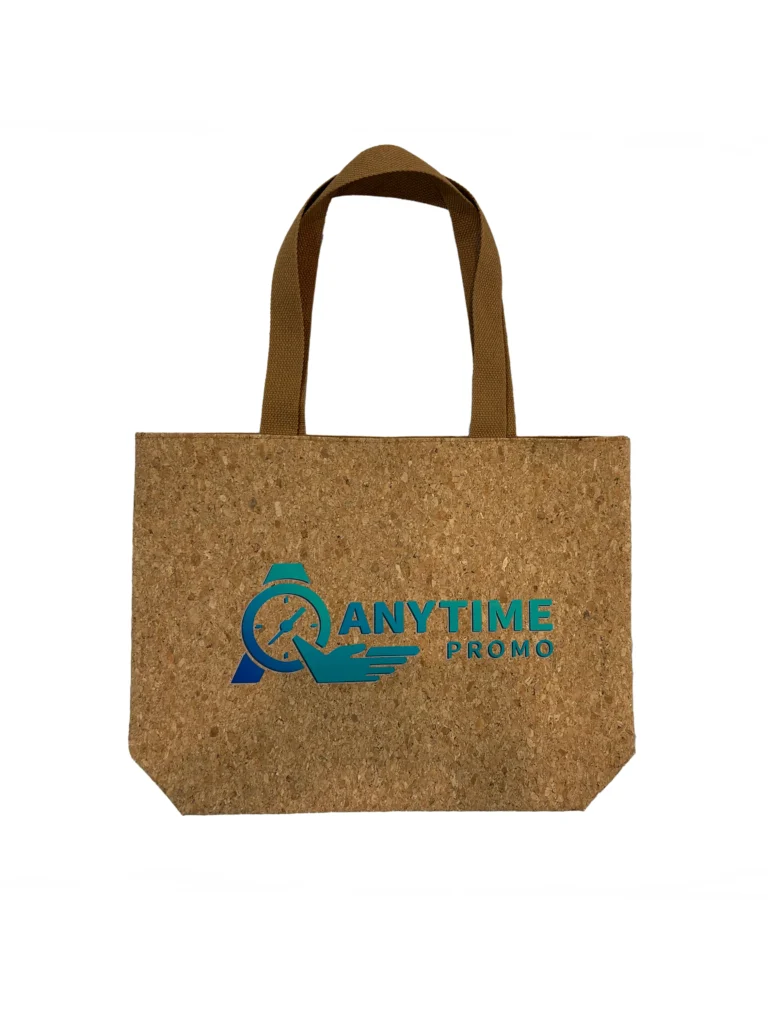
PU Tote Bag
SKU AT-BAG-01
- MOQ
- 50 units
- Production
- 10–15 business days
US$1.84 / unit
at 3,000 pcs · Shipping not included
Send your matrix and artwork references. We can help identify missing specifications and confirm what needs approval.